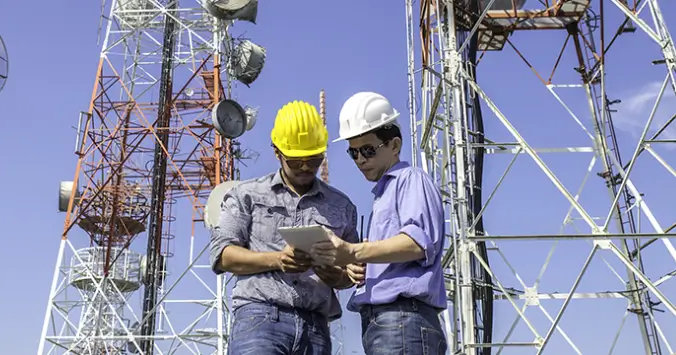
Seeing is believing, especially when it comes to telecommunications infrastructure. mount telecom photos. Mount telecom photos provide invaluable insight into real-world installations, helping engineers, project managers, and procurement specialists make better-informed decisions. From pole mounts to wall-mount assemblies and outdoor cabinet installations, visual documentation serves as a critical reference at every stage of a project.
Why Visual Documentation Matters in Telecom Projects
Telecommunications infrastructure projects involve complex planning, permitting, and execution phases. High-quality site photos support every stage, from initial site surveys to final commissioning and ongoing maintenance. Clear visual records reduce miscommunication, support regulatory compliance, and simplify future maintenance work.
Site Survey Photography
Before installation begins, detailed photographs document existing conditions including pole dimensions, nearby obstructions, power availability, and ground conditions. This information is essential for accurate equipment selection and installation planning.
Installation Progress Documentation
Photographing each phase of installation creates a timestamped record that can be reviewed in case of disputes, used for training new technicians, or submitted to regulatory bodies as proof of proper installation.
- Captures before, during, and after installation states
- Supports warranty claims with documented proof
- Enables remote technical review by engineers
- Provides reference for future maintenance crews
- Documents compliance with installation standards
What Good Telecom Installation Photos Show
Effective installation photography captures multiple perspectives, including wide-angle views showing the overall installation context, close-ups of mounting hardware and connections, and detail shots of cable management and sealing. Labels and measurement references in photos improve their utility.
Key Elements to Capture in Each Photo
Always photograph mounting bracket attachment points, cable entry and sealing details, grounding connections, equipment labeling, and any modifications made during installation. Include a site identification marker in at least one photo from each location.
Using Photos to Improve Future Installations
Building a library of installation photos across multiple sites creates a valuable knowledge base. Patterns in installation challenges, recurring equipment issues, and successful techniques all become visible when photos are systematically catalogued and reviewed.
- Organize photos by site, date, and equipment type
- Use consistent framing for comparable shots across sites
- Include metadata such as GPS coordinates and technician ID
- Back up all documentation in cloud storage
- Conduct regular photo reviews with engineering teams
Frequently Asked Questions
What camera equipment is recommended for telecom site photography?
A weatherproof mirrorless or DSLR camera with a wide-angle lens is ideal. Many technicians use modern smartphones with high-resolution cameras and rugged cases, which offer the added benefit of built-in GPS tagging.
How should telecom installation photos be stored?
Use a structured cloud-based document management system with searchable metadata. Include site ID, date, equipment type, and technician name in the file naming convention.
Are there any safety concerns with telecom site photography?
Always follow site safety protocols, including wearing appropriate PPE and avoiding photographing live electrical equipment without proper precautions. Never access heights without fall protection when capturing elevated installation photos.
See also: How Technology Influences Society
Conclusion
Mount telecom photos are an often-underestimated asset in telecommunications project management. By establishing clear photography standards and building systematic documentation processes, organizations can dramatically reduce errors, speed up maintenance, and ensure consistent quality across all installations. Visual documentation is an investment that pays dividends throughout the entire lifecycle of your network infrastructure.